



🕯️ Magic Note
str.join() is called on a separator string and takes an iterable of strings. It places the separator between each item. map(str, (16,8)) applies str() to each number, converting 16 to “16” and 8 to “8”. Then “:”.join() combines them into “16:8”.
- join() works on any iterable of strings, not just tuples
- map() can be replaced with a generator: “:”.join(str(n) for n in (16,8))
- The separator can be any string: space, comma, dash, or even multiple characters
- Numbers must be converted to strings before joining, join() does not accept integers
The :02d format specifier pads single digit numbers with a leading zero while keeping two digit numbers unchanged.
| Input | Operation | Output |
|---|---|---|
| (16, 8) | “:”.join(map(str,(16,8))) | “16:8” |
| (9, 30) | “:”.join(map(str,(9,30))) | “9:30” |
| (12, 5) | “-“.join(map(str,(12,5))) | “12-5” |
| (2025, 4, 21) | “/”.join(map(str,(2025,4,21))) | “2025/4/21” |
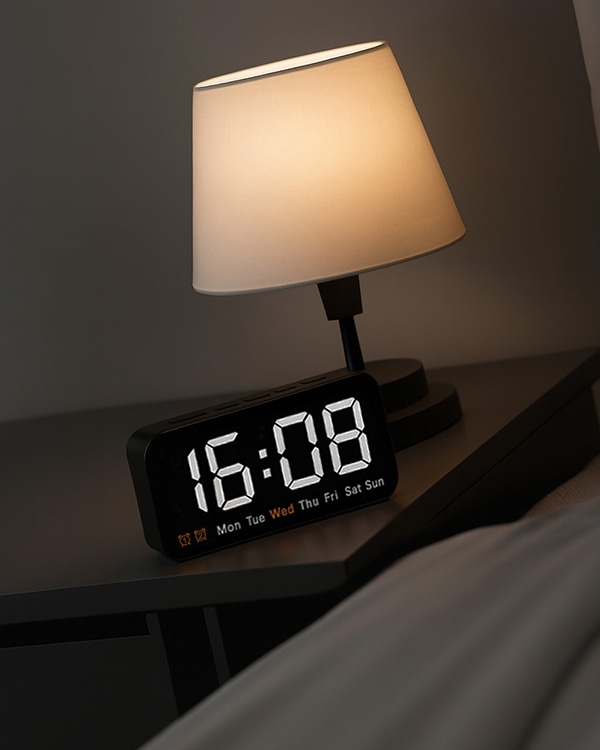
Also note that join() does not add the separator at the beginning or end, only between elements. For zero padded minutes like “16:08”, the basic approach shown here is not enough. Use f-string formatting instead.
Python
# Basic time formatting
hours = 14
minutes = 45
time_str = “:”.join(map(str, (hours, minutes)))
print(time_str)
# Output: 14:45
Python
# Zero padding with f-strings (recommended for time)
h = 8
m = 5
time_str = f”{h:02d}:{m:02d}”
print(time_str)
# Output: 08:05
Python
# Joining more than two numbers
date_parts = (2026, 4, 21)
date_str = “/”.join(map(str, date_parts))
print(date_str)
# Output: 2026/4/21
- Forgetting to convert numbers to strings with map(str, …) or a generator, causing TypeError
- Expecting join() to add separators at the beginning or end, it only adds between elements
- Using this approach for time display when you need leading zeros, use f-strings or zfill() instead
⚡ Whisper
Two numbers. One colon. A moment frozen in time. The digits unite and suddenly they speak. Hours and minutes. Start and stop. Small magic from simple parts.


